In short
- On ‘Sign in’, choose ‘Forgot password?’ and request a reset link.
- Open the newest reset e-mail within an hour and choose ‘Reset password’.
- Choose a new password of at least 12 characters and sign in with it.
Step 1. Request a reset link
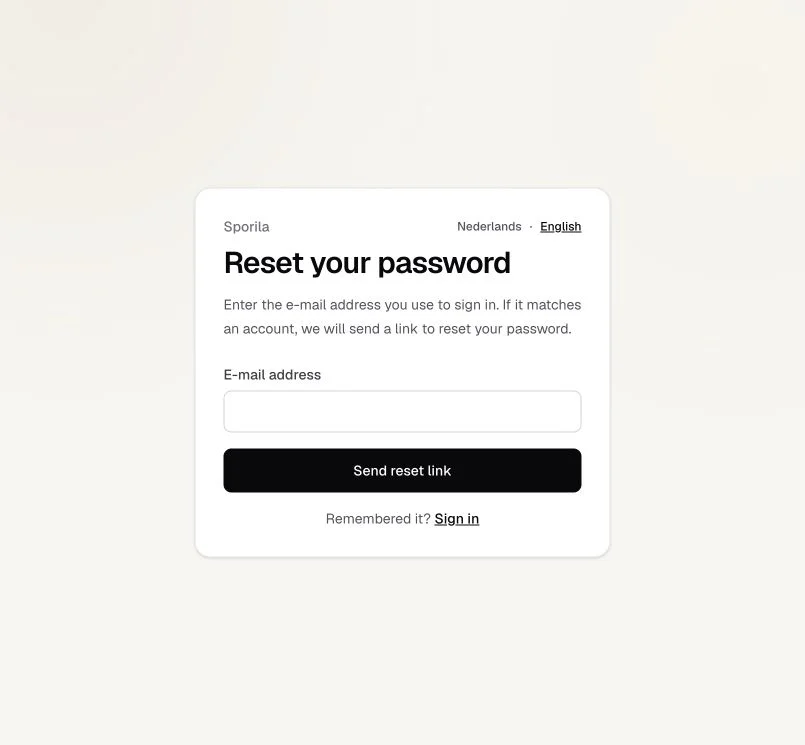
Go to ‘Sign in’ and choose ‘Forgot password?’. Enter your Sporila account’s e-mail address and choose ‘Send reset link’. You will see: ‘If an account exists for that e-mail address, a reset link has been sent.’ This message does not confirm whether an account exists for that address.
Step 2. Open the link in your e-mail
Open your inbox and find the message ‘Reset your Sporila password’ or ‘Wachtwoord van je Sporila-account resetten’, depending on your saved language preference. Choose ‘Reset password’ or ‘Wachtwoord resetten’ in the message. The link is valid for one hour. If you received several reset messages, use the latest one.
Step 3. Choose and confirm your new password
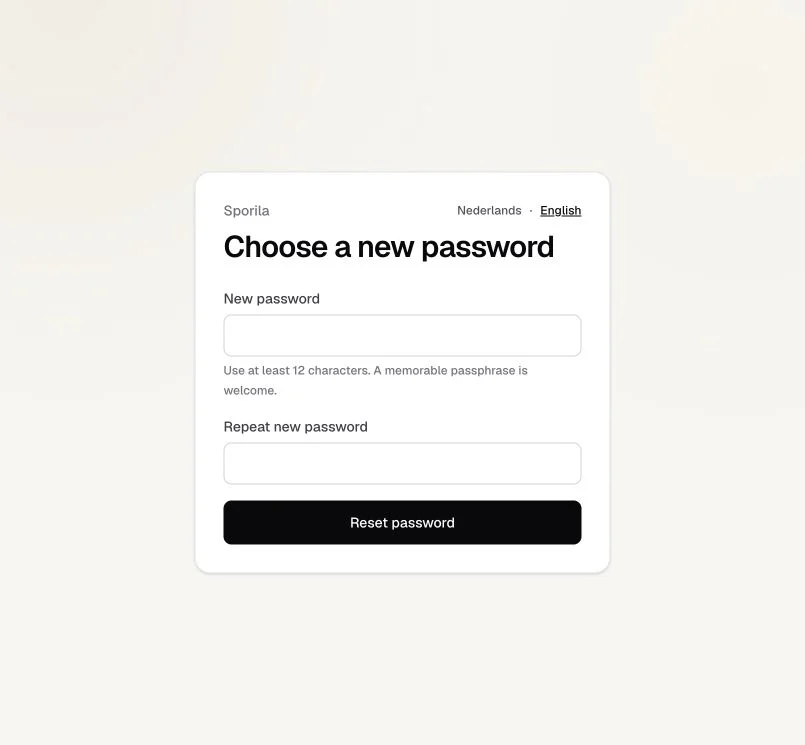
Enter a unique password of at least 12 characters in ‘New password’. A memorable passphrase is welcome too. Enter exactly the same password in ‘Repeat new password’ and choose ‘Reset password’.
Step 4. Sign in with your new password
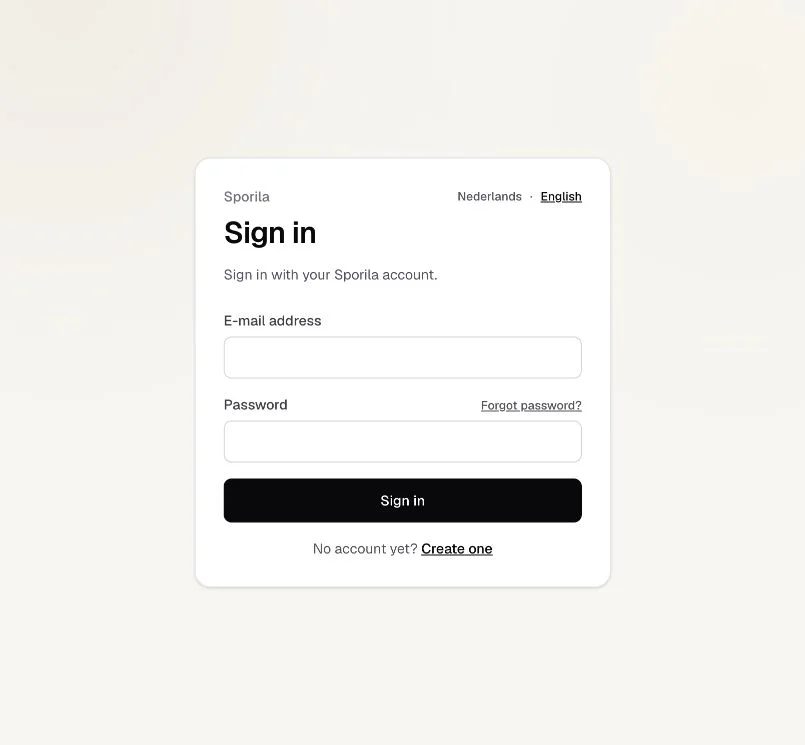
After resetting your password, you will return to the sign-in screen. Enter your e-mail address and new password, then choose ‘Sign in’. Your old password no longer works.
You can continue
After signing in, you can return to your competitions. You do not need to create a new account.
Go to sign inHaving trouble?
No reset e-mail?
Check your spam folder and make sure you used your Sporila account’s e-mail address. Wait at least two minutes before requesting another reset link. The confirmation message does not necessarily mean an account exists for the address you entered.
Reset link invalid or expired?
Request a new link through ‘Forgot password?’ and open the latest reset e-mail. A link expires after one hour and cannot be reused after resetting your password.
New password not accepted?
Use at least 12 characters and avoid common or predictable passwords. Make sure both password fields match exactly. Update the fields and try again.
Lost access to your inbox?
This recovery process requires access to your account’s mailbox. Contact support@sporila.com if you can no longer access it.
Next guide: Sign in and solve sign-in problems