In short
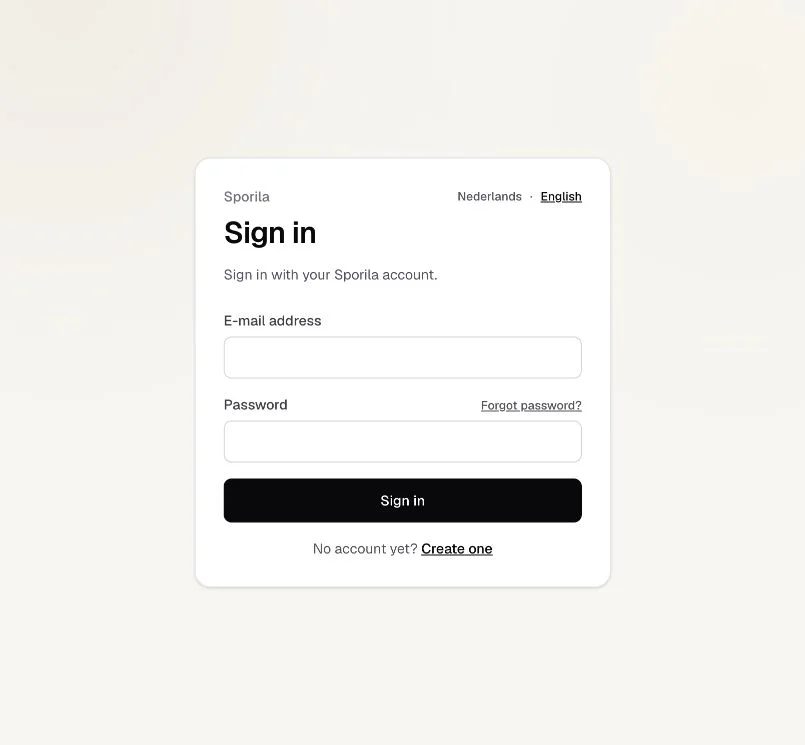
- Choose ‘Sign in’ and enter your account’s e-mail address and password.
- Forgot your password? Choose ‘Forgot password?’; the reset link is valid for one hour.
- If several attempts fail, wait 15 minutes before you try again.
Sign in to your account
Open Sporila and choose ‘Sign in’. Enter your account’s e-mail address and password, then choose ‘Sign in’. If you use a password manager, check that the filled-in details belong to this Sporila account. If you received an invitation link, open it first so you can continue with your invitation after signing in.
Incorrect e-mail address or password
If you see ‘The e-mail address or password is incorrect.’, check for typing errors in your e-mail address and make sure you are using the right password. Passwords are case-sensitive; check for unintended spaces too. If you changed your e-mail address and confirmed that change, use the new address. This message does not tell you which detail is incorrect or whether an account exists. It can also appear during a temporary sign-in block; see ‘Temporarily unable to sign in’.
Forgotten password
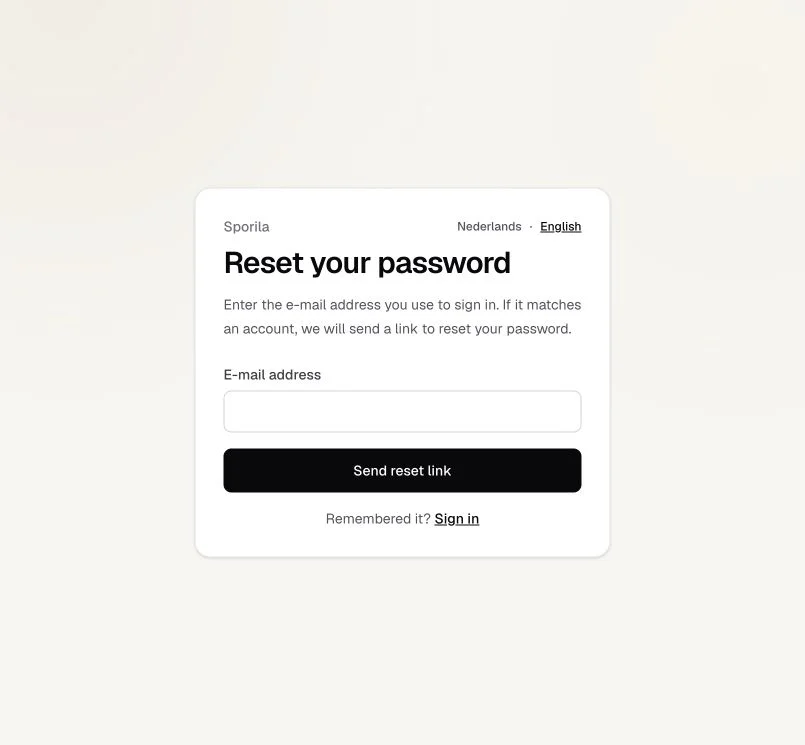
Choose ‘Forgot password?’ on the sign-in screen. Enter your account’s e-mail address and choose ‘Send reset link’. Open the link in your inbox and choose a new password. The reset link is valid for one hour. The guide below also explains what to do if the e-mail is missing or the link has expired.
Temporarily unable to sign in
After several failed attempts, Sporila may temporarily block sign-in. You may see the same incorrect e-mail or password message even if you now enter the correct details. Wait 15 minutes before trying again and check your details first. Avoid repeated attempts. If you do not remember your password, use the reset process. If you still cannot sign in afterwards, contact Support using the e-mail address at the bottom of this guide.
E-mail address not yet verified
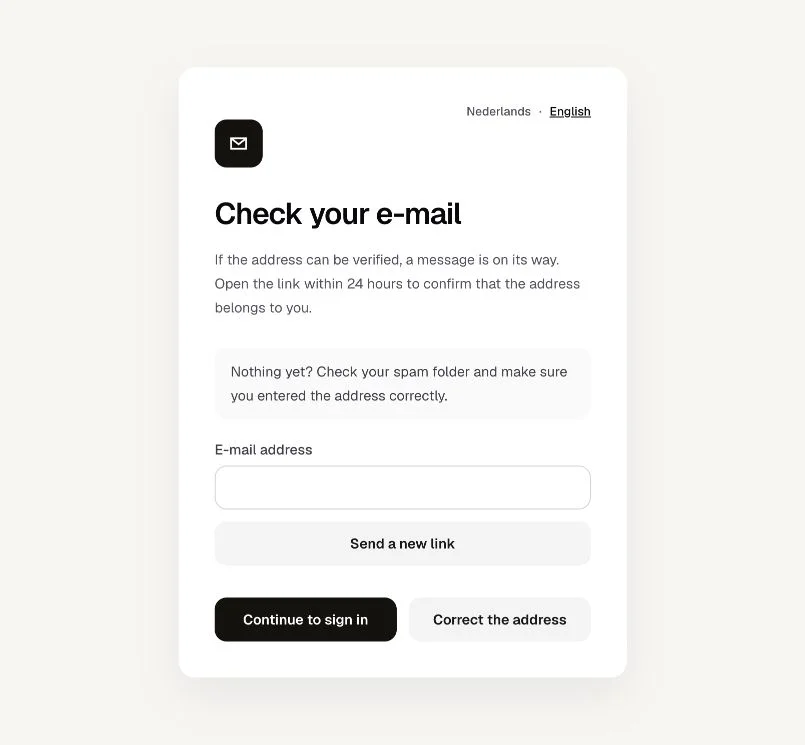
You can sign in with the correct details even if your e-mail address has not been verified. Before creating a new competition, joining one or receiving an administrator role, you need to verify the address. Open ‘My account’ and find ‘Verify your e-mail address’. Request a verification e-mail there and open its link within 24 hours. If you just created your account, you can use the verification e-mail from registration. Check your spam folder too.
Signed in again?
Continue to your competitions or open your invitation link again. If you see Participant Terms first, read them and accept them if you agree in order to continue.
Go to sign inOther questions
No Sporila account yet?
Choose ‘Create one’ on the sign-in screen. If you already have an account but cannot sign in, try password recovery before creating a second account.
Why do you need to sign in again?
Your session may have expired or been signed out. After changing or resetting your password, or confirming a new e-mail address, you need to sign in again. Use the details that apply after that change.
Lost access to your inbox?
Password recovery requires access to your account’s mailbox. Contact support@sporila.com if you no longer have access. Never share your password or a reset or verification link.
Next guide: My account, section by section